Build your online store in minutes.
Pikapi is a store builder for sellers in Nepal. Get your own storefront, take orders with cash on delivery, set delivery prices per district, and run it all from one dashboard.
Sign in with Google. Your store gets its own link on pikapi.shop.
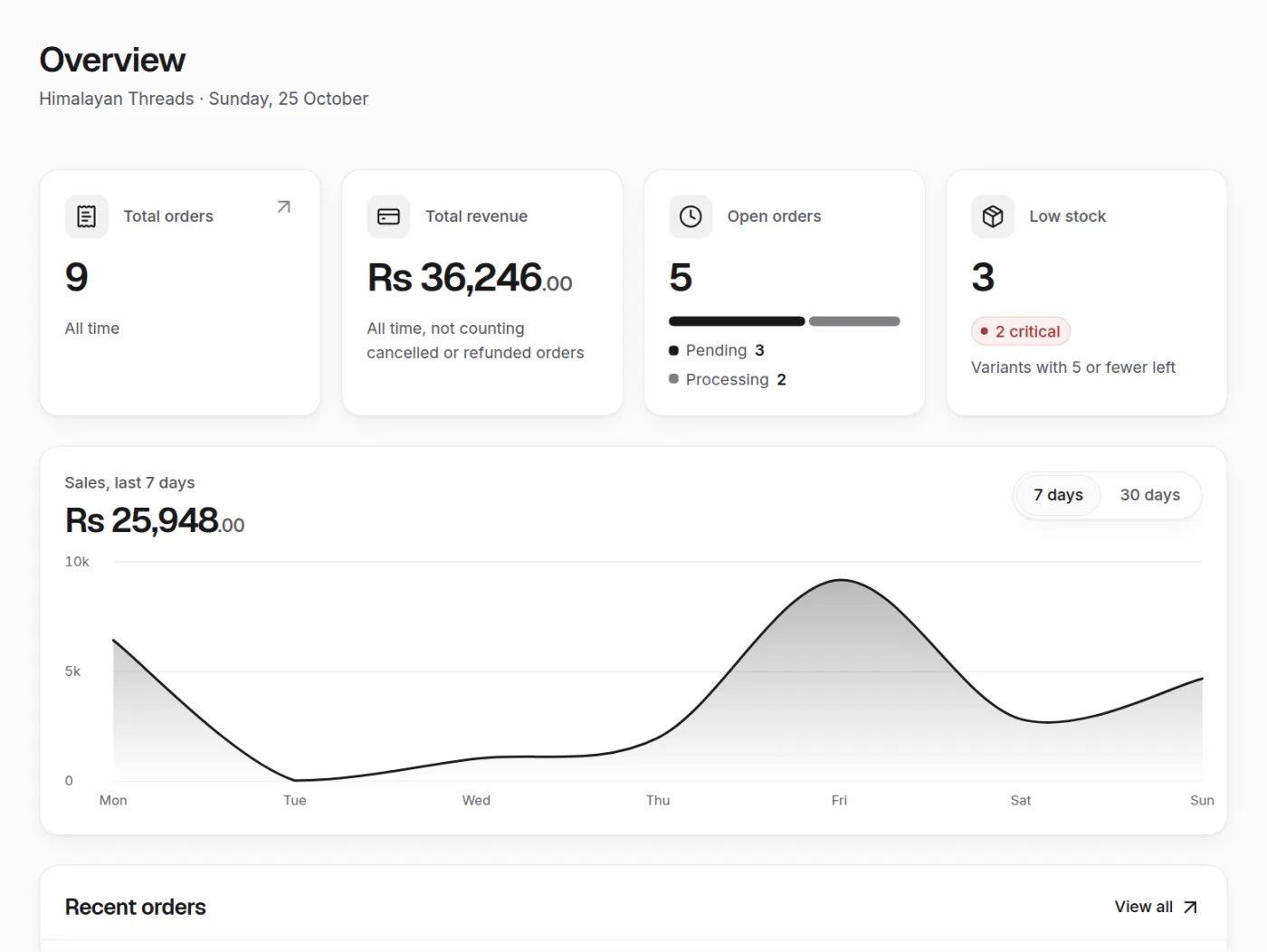
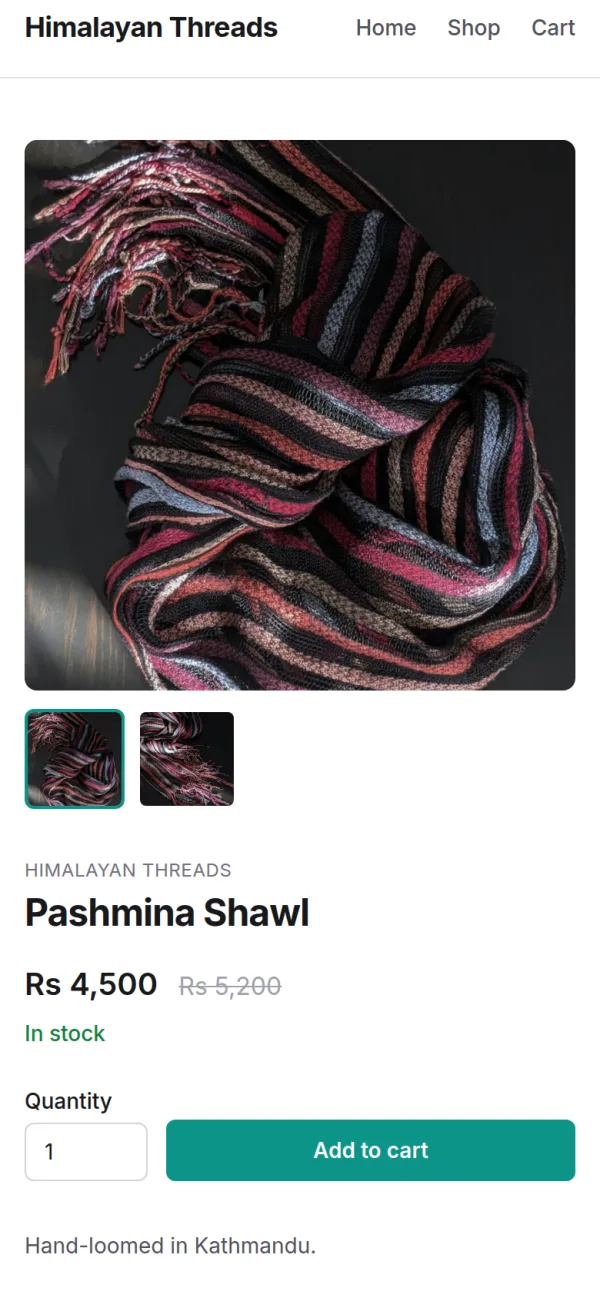
Every store comes with
Try each one here, on an example store.
-
Your own link on pikapi.shop
Your store lives at your-store.pikapi.shop, ready to share on Facebook, Instagram or a message.
-
Cash on delivery
Customers order without paying online and pay when the parcel reaches them.
-
Delivery prices per district
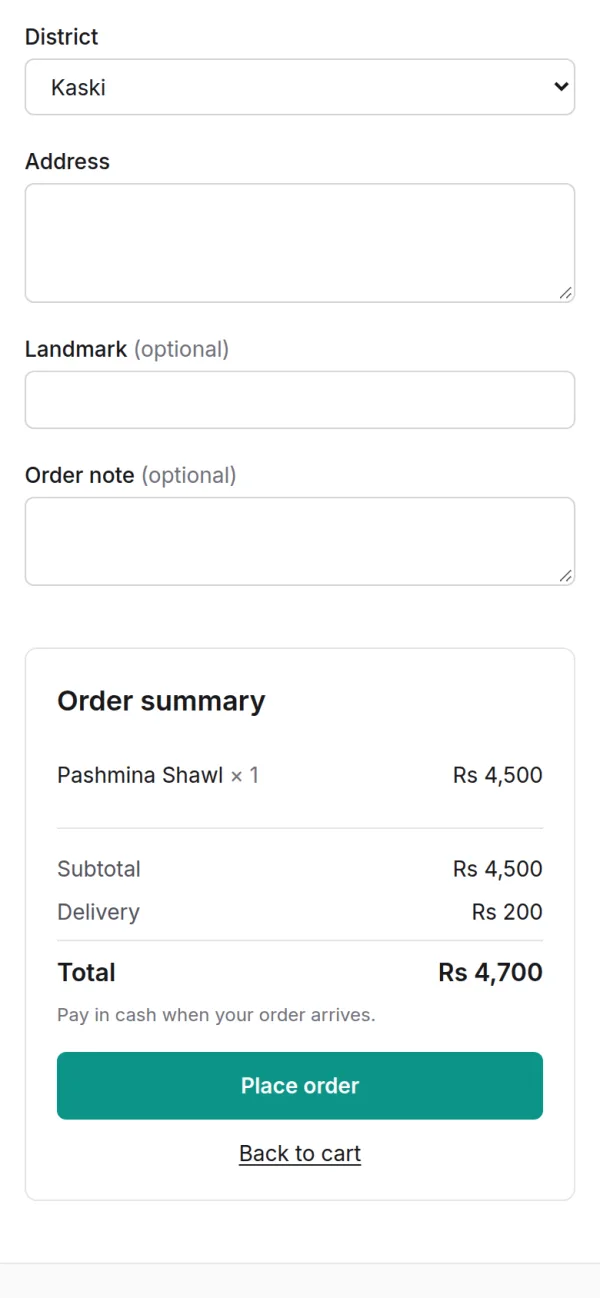
Set what delivery costs to each district you serve, or to areas within one. Checkout adds it to the order.
-
Order tracking links
Every order gets its own link the customer can open to see where it is.
-
Store themes
Pick a starting layout, then change the sections, words and pictures in the editor.
-
Works from your phone
Add products and handle orders from the dashboard on your phone.
Your own link on pikapi.shop
Your store lives at your-store.pikapi.shop, ready to share on Facebook, Instagram or a message.
Your link
himalayan-threads.pikapi.shop
Capitals become small letters, spaces become hyphens and most symbols drop out. You can still edit it at signup.
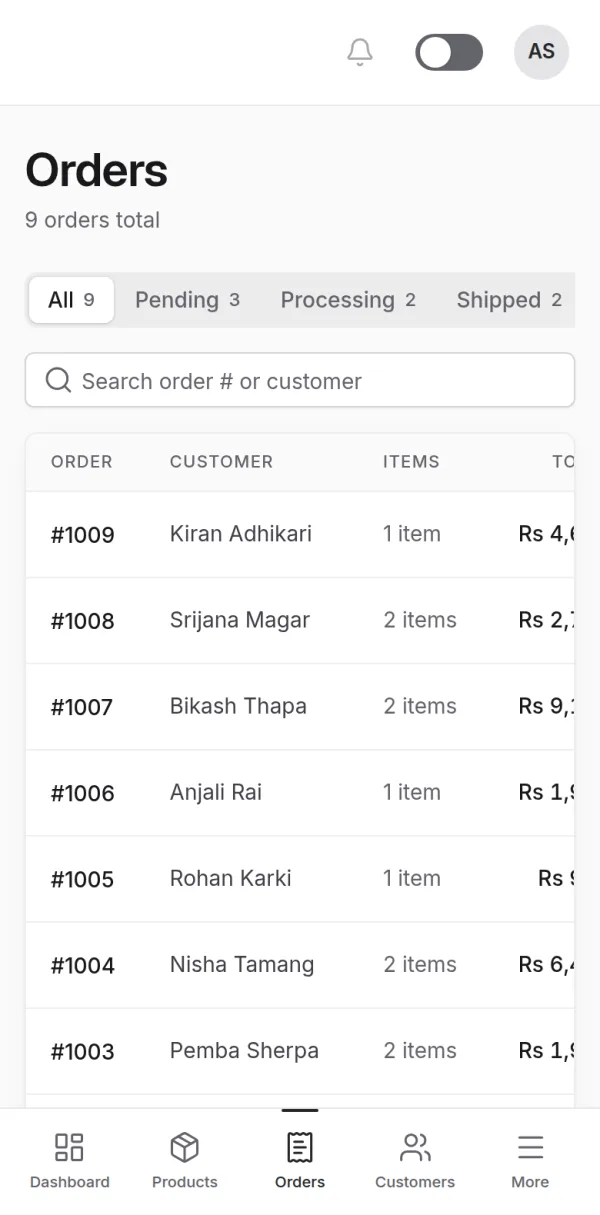
One place to build and run your shop
A storefront builder, a product catalog and an orders dashboard, made to work together. Every screen below is the real app, on an example store with sample products, orders and customers.
-
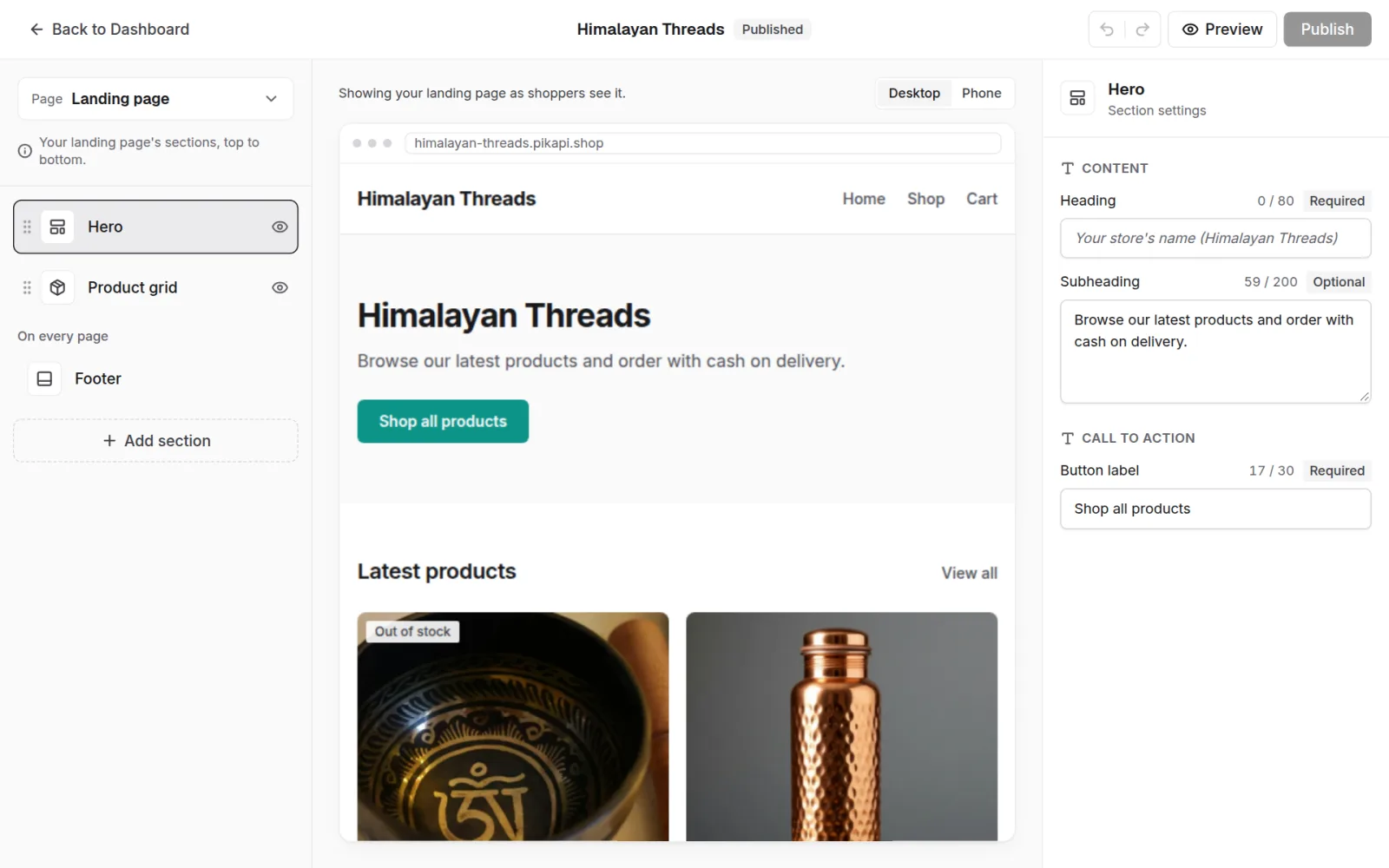
Build your storefront
Start from a theme, then change sections, words and pictures in the visual editor. Check it on desktop and phone before you publish.
-
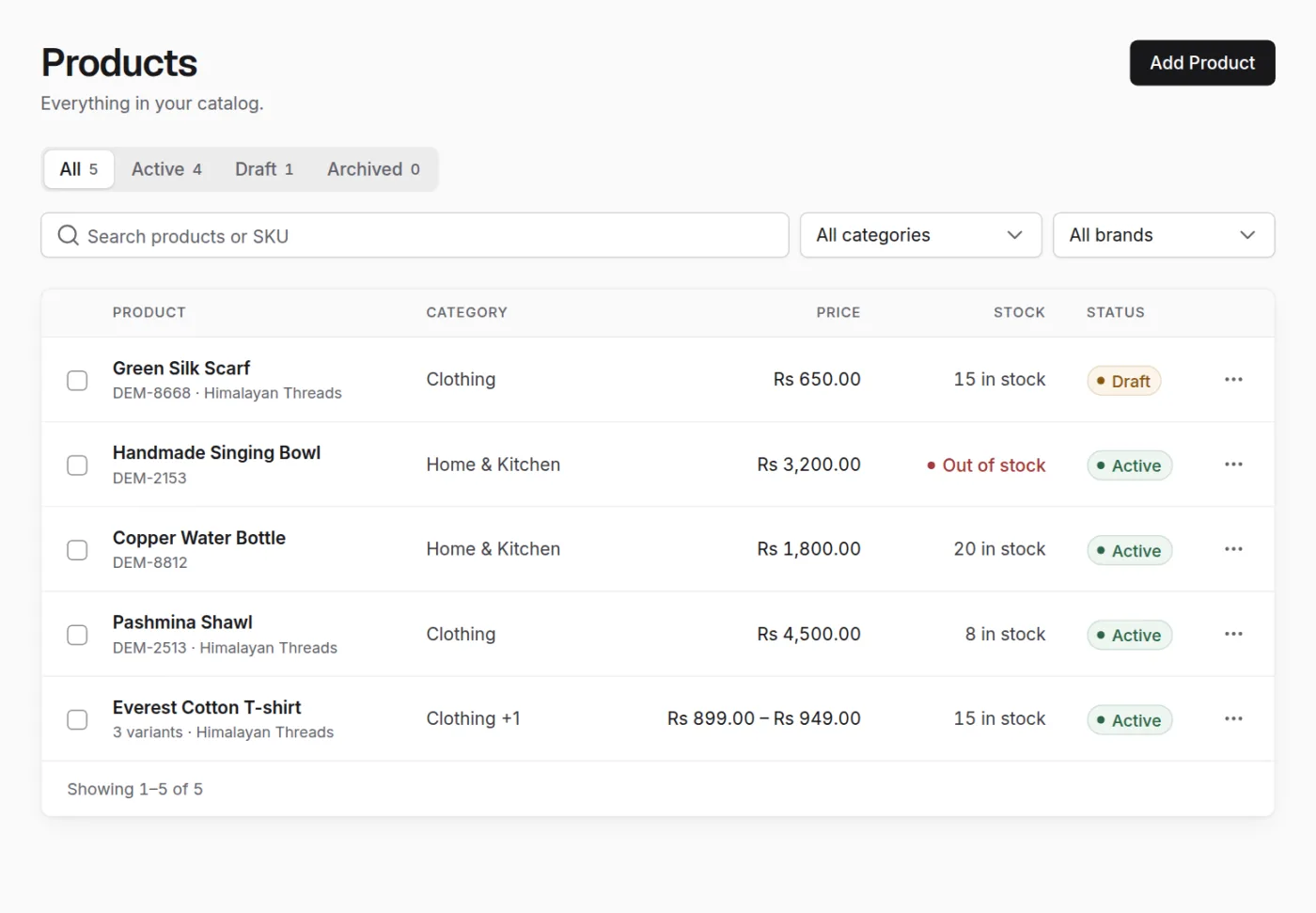
Add your products
Photos, prices in rupees, sizes and stock for every product. Keep one as a draft until it's ready, and see what is running low.
-
Share your link, take orders
Customers shop at your link from any phone. At checkout they choose their district, see its delivery price, and pay in cash when the parcel arrives.
himalayan-threads.pikapi.shop Example
-
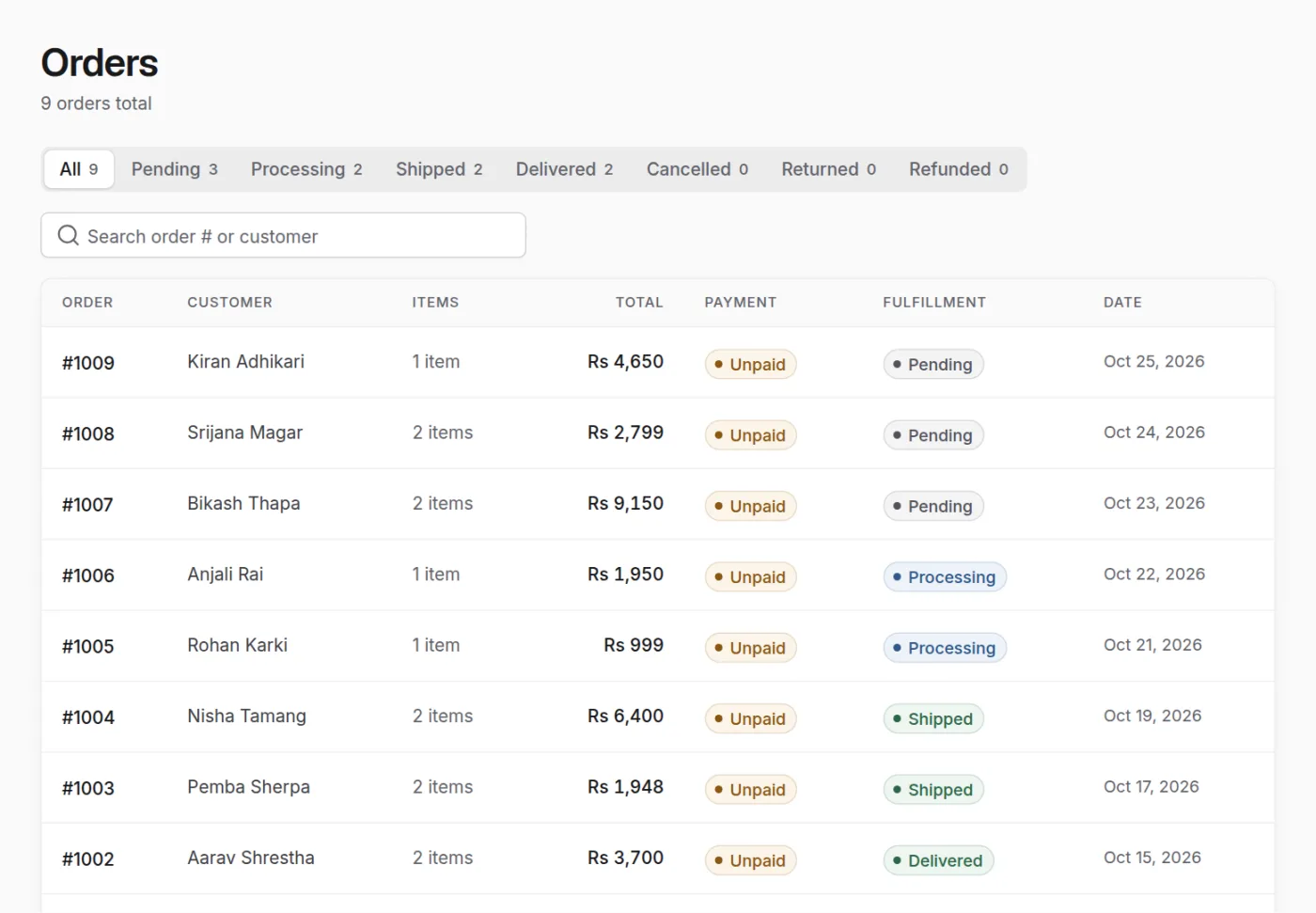
Manage every order
New orders land in your dashboard. Move each one from pending to delivered, and every customer gets a link to follow their order.
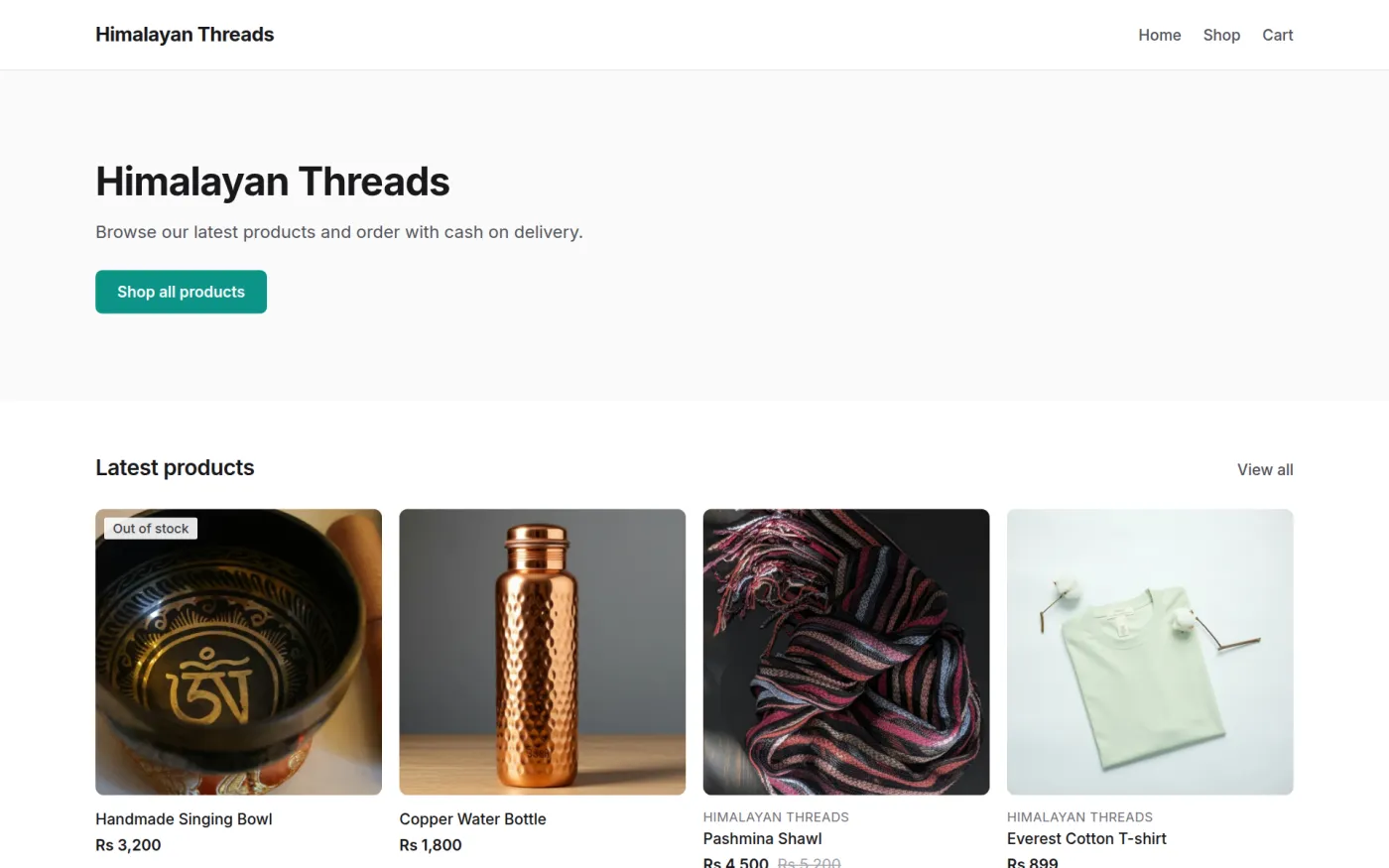
Start from a theme. Make it yours.
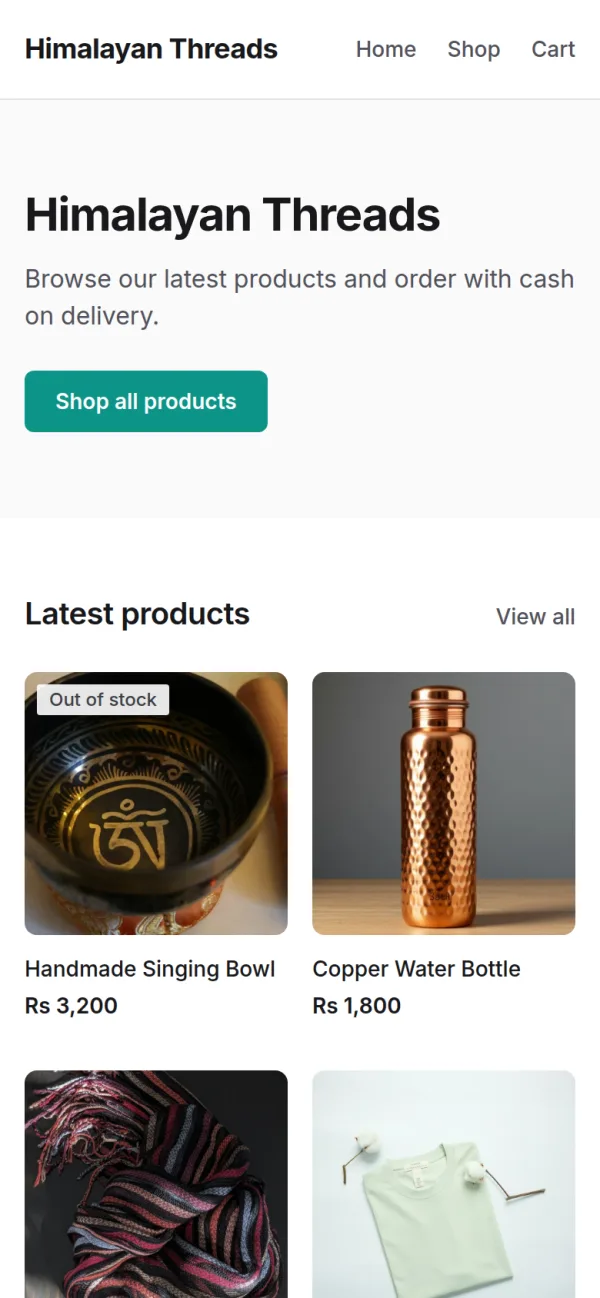
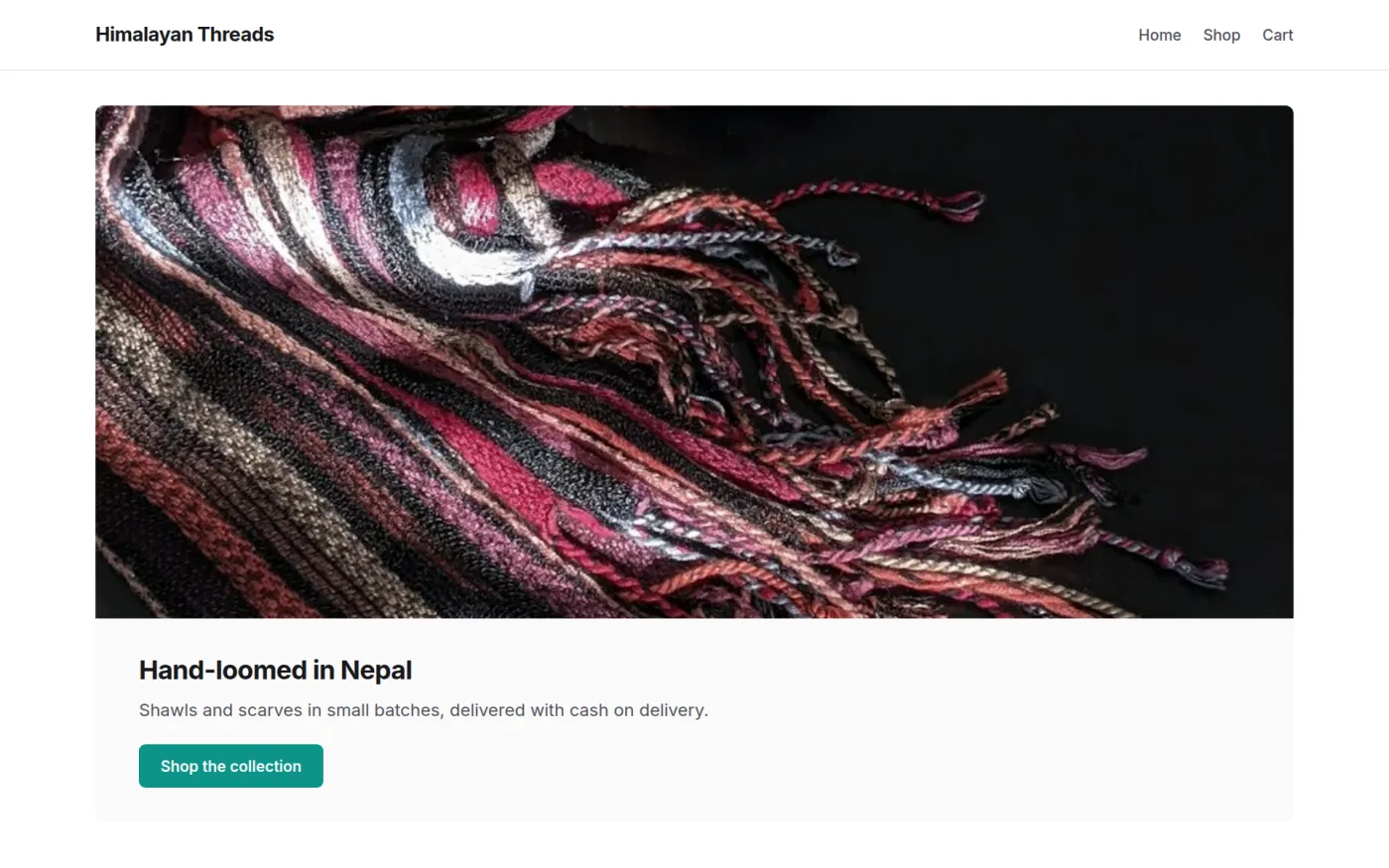
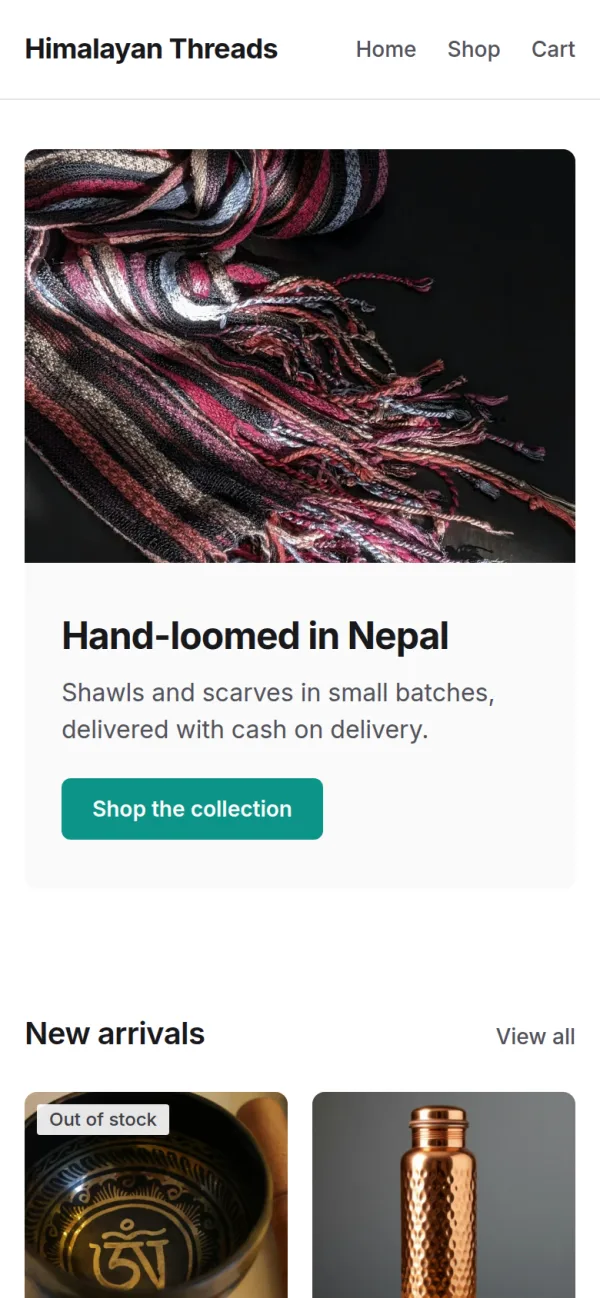
Pick a starting theme for your storefront, then shape it in the editor. It looks right on a phone and on a laptop. Shown here on the same example store.
Made for selling in Nepal
- Cash on delivery
- Customers pay in cash when the parcel reaches them. No online payment needed.
- Delivery prices by district
- All 77 districts are listed. Charge less in the valley and more for far districts, or split a district into areas.
- Prices in rupees
- Products, delivery and totals are all shown in Rs.
- Run it from your phone
- The dashboard fits a phone screen, so you can add products and handle orders from the shop counter.



How it works
-
Name your store and sign in with Google
-
Add products and set delivery prices per district
-
Share your store link and track every order
Ready to open your store?
Pick a name, sign in with Google and add your first product.